Runeweave Learn
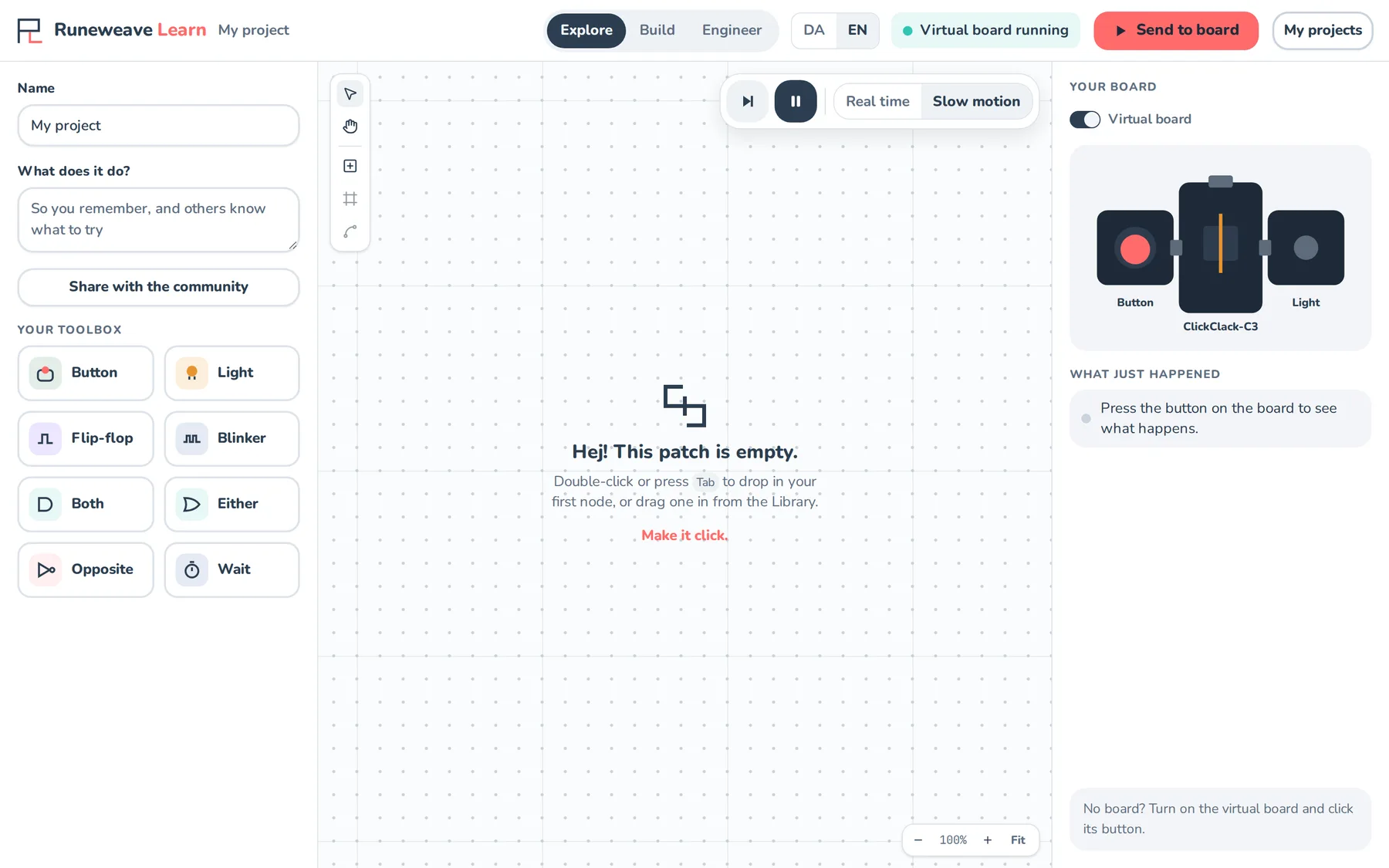
Runeweave Learn brings Runeweave to the classroom. Students solve missions by drawing small programs, right in the browser, and run them on a ClickClack board. Teachers put missions together into programs, run them with their classes, and see who is flying and who needs a hand.
Runeweave Learn isn't open to schools yet. Try the demo to see it, or write to contact@solderpop.io if you'd like to use it with your class.
How a lesson works
- The teacher picks or writes a program of missions, creates a class for it and puts the class code on the board.
- Students sign in with the username and password from their teacher and type in the code.
- Each mission is a short goal, such as "make the light turn on when you press the button", broken into steps with hints.
- Students draw the program, press Send to board, and see it work on the virtual board on screen. Sending to a real ClickClack board over USB is coming.
- The teacher's screen shows each student's progress live, and who has asked for help.
Nothing to install
Learn runs in an ordinary browser. The Runeweave compiler runs inside the page, so school laptops and Chromebooks need nothing installed and nothing configured.
For teachers
Programs, classes, student accounts and following progress in Runeweave Learn.
For students
Signing in, joining your class and solving missions in Runeweave Learn.
The blocks
The blocks students use in Runeweave Learn missions.
Try the demo
A self-contained demo of Runeweave Learn for teachers and students to try.
Data and privacy
What Runeweave Learn stores about teachers and students.