For students
Sign in
Your teacher gives you a username and a password. Go to the Learn page and sign in with them.
Join your class
Your teacher has a class code on the board, like KLIK-4821. Type it in and choose Join class. Your class and its missions appear on your page. You only need to do this once.
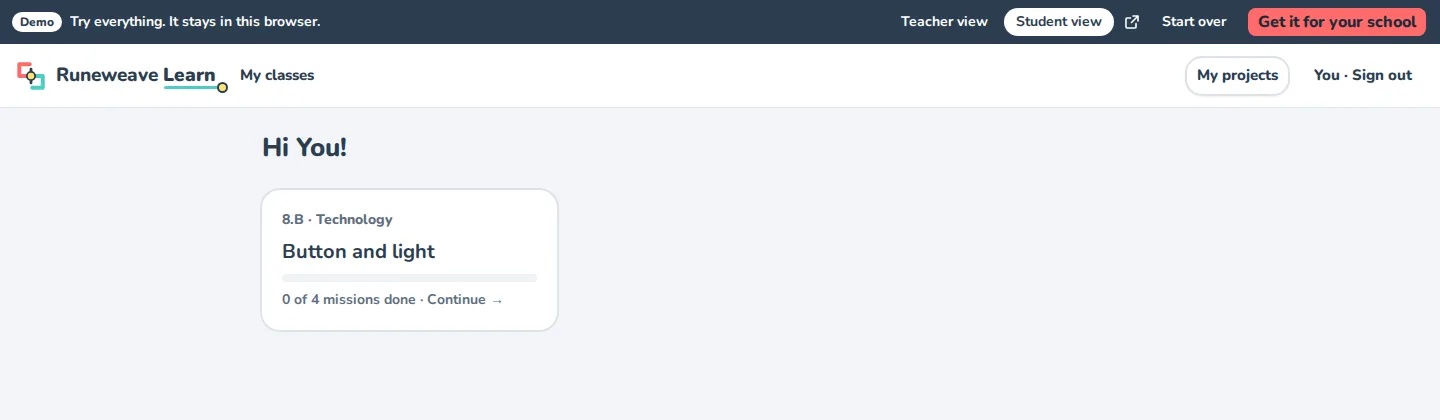
Solve a mission
Open a mission. On the left are the steps, on the canvas you build your program, and on the right is the board.
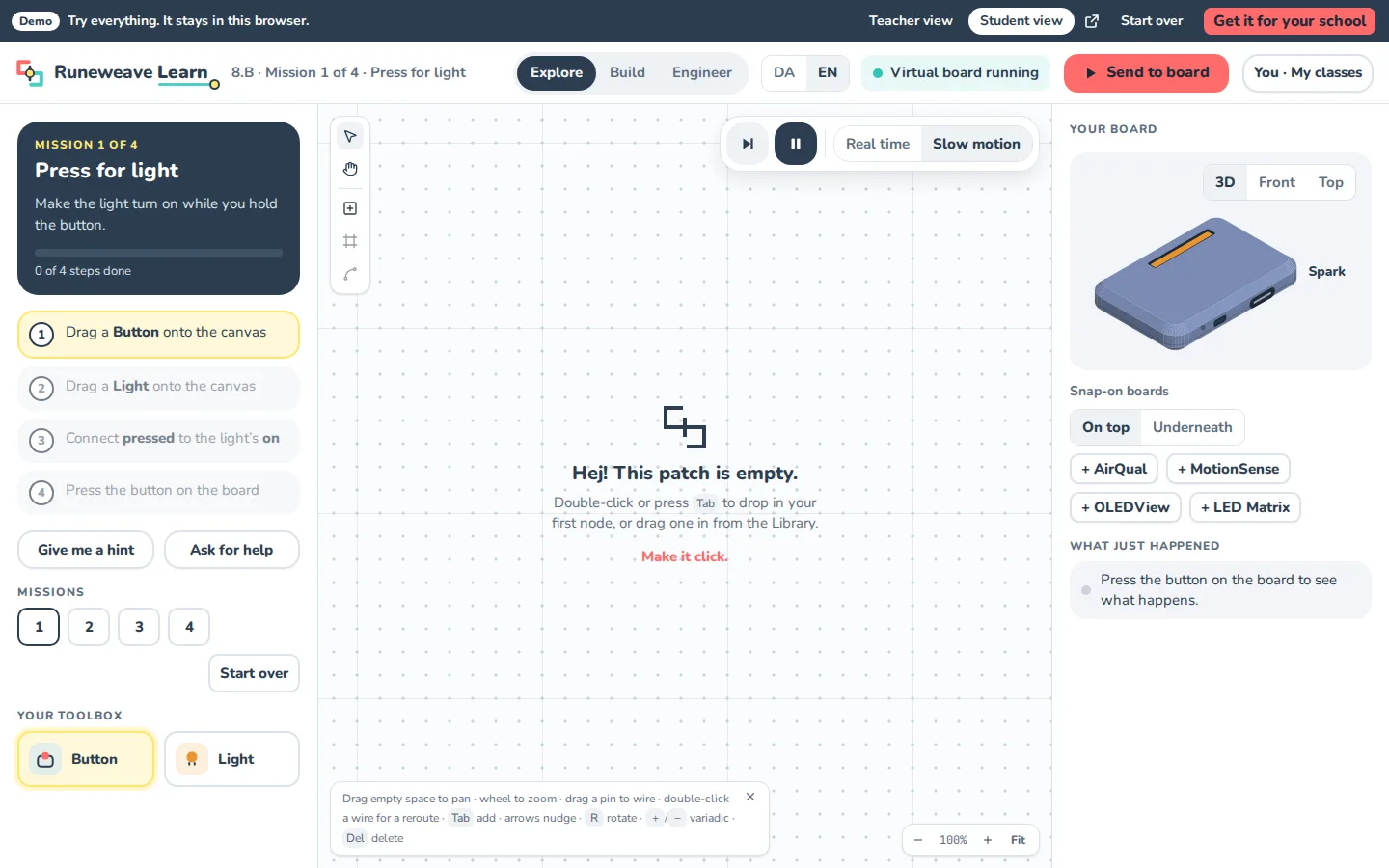
- Read the first step and do it: drag a block onto the canvas, or join two blocks with a wire.
- Stuck? Press Give me a hint.
- Press Send to board.
- No board on your desk? Turn on the virtual board and click its button to try your program.
- When it works, press I've done it, and go on to the next mission.
If something's wrong with your program, Learn tells you before it runs: a message points at the block or wire that's the problem.
Ask for help
Press Ask for help. Your teacher sees which mission and step you're on. Keep trying while you wait!
Look inside
Curious what your drawing turns into? Look inside shows your program as code (C++ for the microcontroller) and as hardware (Verilog for an FPGA).